

Set up a webhook
Getting DonorCARE to notify your own system when something happens.
Send a notification to your own server the moment a donation completes, a receipt is generated, or another event happens in DonorCARE, instead of checking DonorCARE for updates yourself.
Before you start
Section titled “Before you start”- Webhooks are available on the Enterprise plan.
- You need a URL on your own system that can receive an HTTP POST request and respond quickly.
-
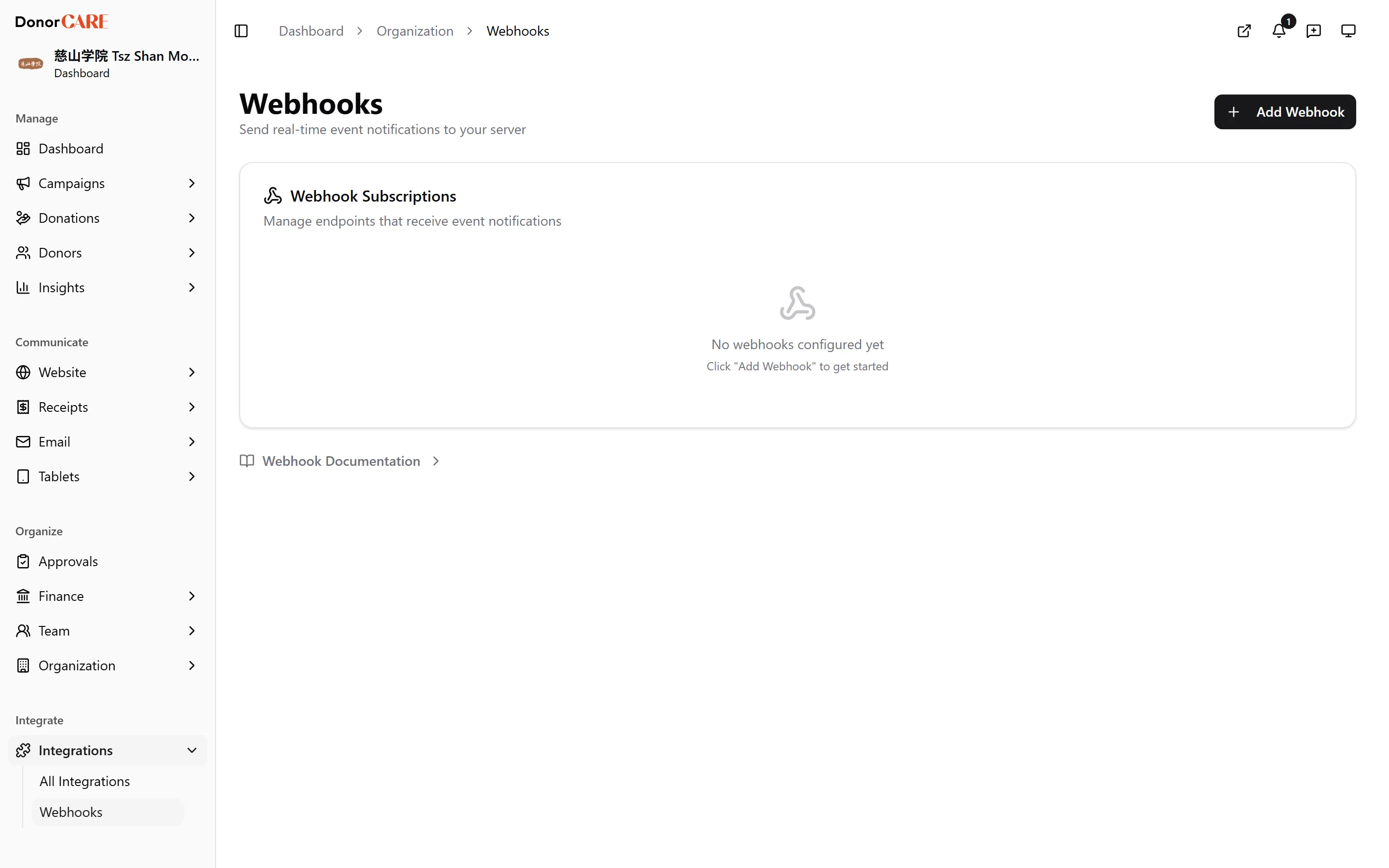
Open Integrations → Webhooks.
-
Select Add Webhook, then enter your endpoint’s Payload URL and an optional description.
-
Choose which events to send. DonorCARE currently offers: Donation Completed, Donation Voided, E-Invoice Status Changed, Receipt Generated, Donor Tier Changed, Donor Created, Donor Updated, Donors Merged, and Donor Deleted. The donor events fire when a person becomes one of your donors, when your team changes a donor’s name, email or phone, when your team merges two donor profiles into one, and when you remove a donor or the donor deletes their account. Select only the ones your system needs.
-
Save, and copy the signing secret shown. It’s shown once, so store it now — you’ll need it on your own server to verify that a delivery genuinely came from DonorCARE. Instructions for verifying a delivery are in the Webhook Documentation panel at the bottom of the page.
-
Send a test event from the row menu to confirm your endpoint receives and accepts it before relying on it.
-
Review deliveries. Expand a webhook’s row to see recent deliveries, their status, and how long each took — useful for confirming your endpoint is keeping up.
If something goes wrong
Section titled “If something goes wrong”| What you see | What it means | What to do |
|---|---|---|
| Failures climbing on a webhook | Your endpoint isn’t responding successfully. DonorCARE sends each event once, so a failed delivery is not sent again; each attempt is recorded in the webhook’s list of recent deliveries | Repair your endpoint so it is reachable and returns a success response quickly, then send a test event to confirm. Events that failed earlier are not replayed |
| A signature check fails on your server | Your server may be verifying against an old secret, or reading the request body differently than it was signed | Rotate the signing secret from the webhook’s row menu, update your server with the new one, and follow the verification steps in the Webhook Documentation panel |
| “Webhook management is not enabled for this organization” | Your plan doesn’t include webhooks | Webhooks are an Enterprise-plan feature — contact DonorCARE to discuss upgrading |
Related
Section titled “Related”Screenshots use sample data. Every screen on this page is captured against a demo organization seeded with generated donors, amounts, receipt numbers and campaigns. Any resemblance to a real person or organization is coincidental.