

Create a donor account
What a DonorCARE account gives you and how to sign in.
A DonorCARE account brings every donation you make — across every organization you support — into one place, so you don’t have to hunt through old emails to find a receipt or see what you’ve given.
You don’t need one to give. You can complete a single donation as a guest, start to finish, without ever signing in. An account is worth creating once you want to:
- See your full giving history in one place (see See your giving history)
- Generate your own shareable impact summary (see Your impact page)
- Give to more than one appeal in a single payment, using a shared cart
Before you start
Section titled “Before you start”You just need an email address you can receive a 6-digit code at. There’s no password to set or remember.
-
Select Sign in. You’ll see this on DonorCARE’s own site, or on an organization’s own giving page.
-
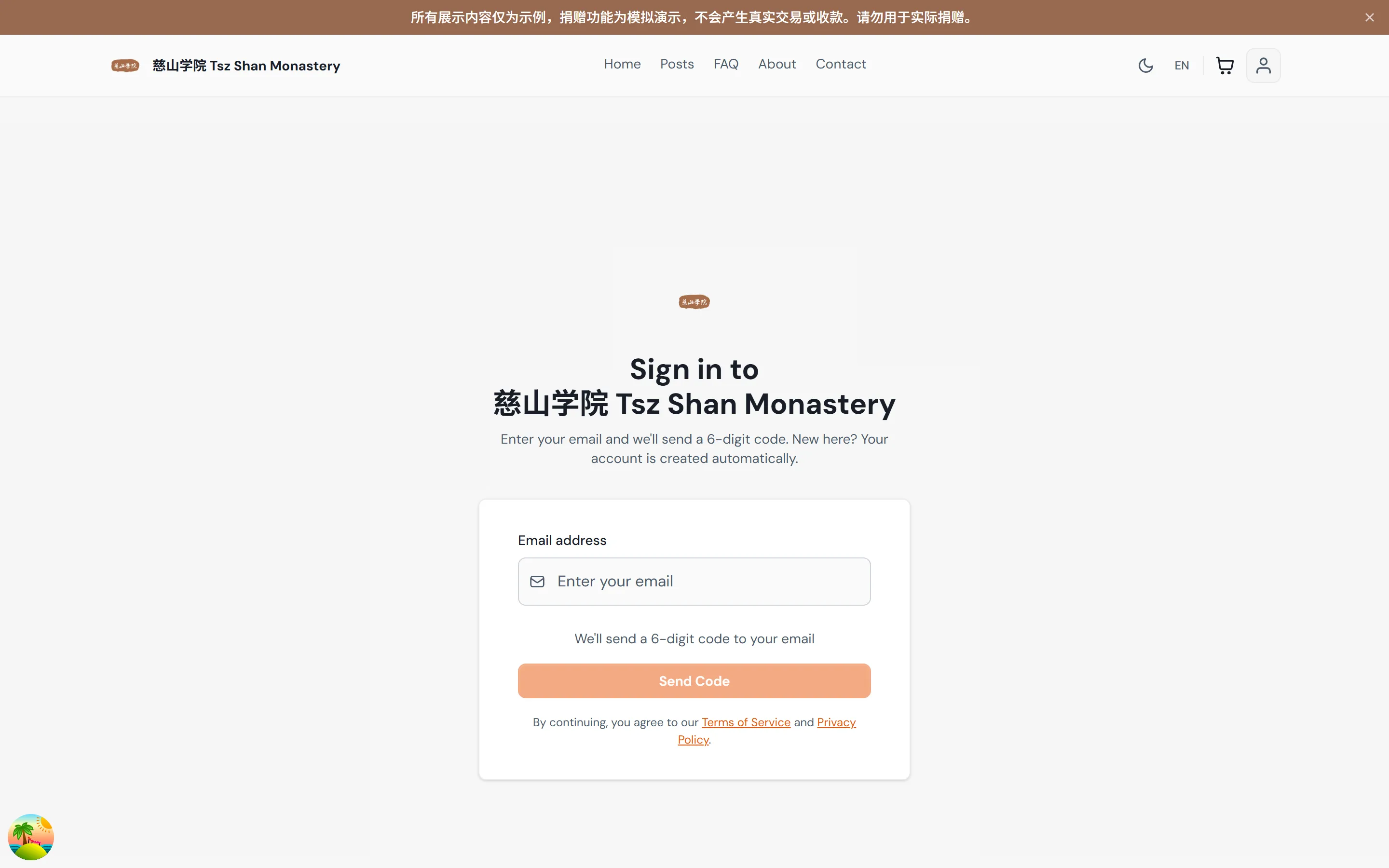
Enter your email address, then select Send Code. DonorCARE emails you a 6-digit code. If you don’t already have an account, verifying the code creates one automatically — there’s no separate sign-up form to fill in first.
-
Enter the 6-digit code sent to your email. As soon as you finish typing all six digits, you’re signed in and taken to your account.
If something goes wrong
Section titled “If something goes wrong”| What you see | What it means | What to do |
|---|---|---|
| “Please enter a valid email address” | The email address you typed isn’t in a valid format | Check for typos and try again |
| “Invalid or expired OTP code. Please request a new code.” | The code was mistyped, or it’s timed out | Select Resend Code to get a fresh one |
| “Failed to send OTP. Please try again.” | A temporary problem sending the email | Wait a moment and select Send Code again |
Related
Section titled “Related”Screenshots use sample data. Every screen on this page is captured against a demo organization seeded with generated donors, amounts, receipt numbers and campaigns. Any resemblance to a real person or organization is coincidental.