

Manage recurring donations
The Recurring list shows every donor’s standing gift, whether it’s charging normally, and what to do when a charge doesn’t go through.
Before you start
Section titled “Before you start”- Recurring giving in DonorCARE only works by card. A donor who wants to give again automatically has to set that up with a card — there is no recurring option for FPX, e-wallets or bank transfer.
-
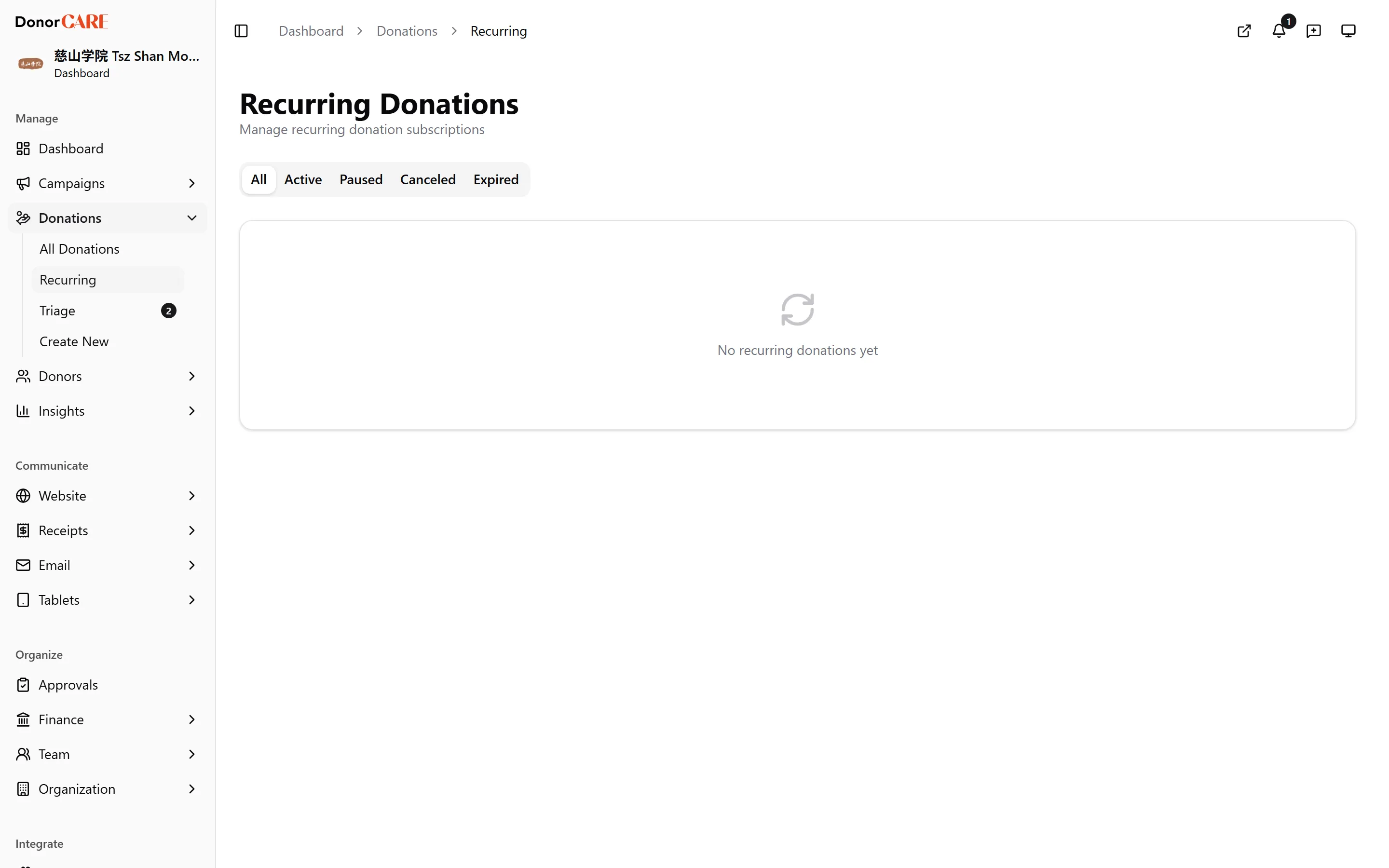
Open Donations, then select Recurring.
-
Read the list. Each row shows the donor, campaign, amount, frequency, status, next payment date, next retry date (if one is due) and how many charges have failed in a row. Use the tabs above the list to filter by status.
-
Know what each status means.
- Active — charging normally.
- Paused — charging has stopped, either because staff or the donor paused it, or because repeated charge attempts failed and DonorCARE paused it automatically.
- Canceled — stopped for good. There is no way to resume a canceled subscription.
- Expired — the card on file has expired, independent of whether any charge has ever failed.
-
When a charge fails, wait. DonorCARE retries automatically over the following days before giving up. There’s nothing to action while the failed-count is climbing — a “Card expiring” badge is worth a nudge to the donor before it becomes a failure at all. If retries run out, the subscription moves to Paused on its own; reach out to the donor about updating their card, or point them to their own recurring-giving page to fix it themselves.
-
To cancel, select the cancel action on an Active or Paused row and confirm. This stops all future charges immediately and cannot be undone — there’s no way to un-cancel a subscription from here.
If something goes wrong
Section titled “If something goes wrong”| What you see | What it means | What to do |
|---|---|---|
| Failed count is rising | The gateway is retrying automatically | Wait — no action needed unless it moves to Paused |
| Status moves to Paused on its own | Retries ran out without a successful charge | Contact the donor about their card, or ask them to update it themselves |
| “Card expiring” badge | The card on file is due to expire soon | Nudge the donor to update their card before the next charge is due |
| Status shows Expired | The stored card has already expired | The donor needs to set up a new card to keep giving |
Related
Section titled “Related”Screenshots use sample data. Every screen on this page is captured against a demo organisation seeded with generated donors, amounts, receipt numbers and campaigns. Any resemblance to a real person or organisation is coincidental.