

Complete unfilled offerings
The Missing names tab catches donations for a memorial, blessing or sponsor offering that were saved without the names those offerings need — before they turn into a printed tablet or record with a blank where a name should be.
-
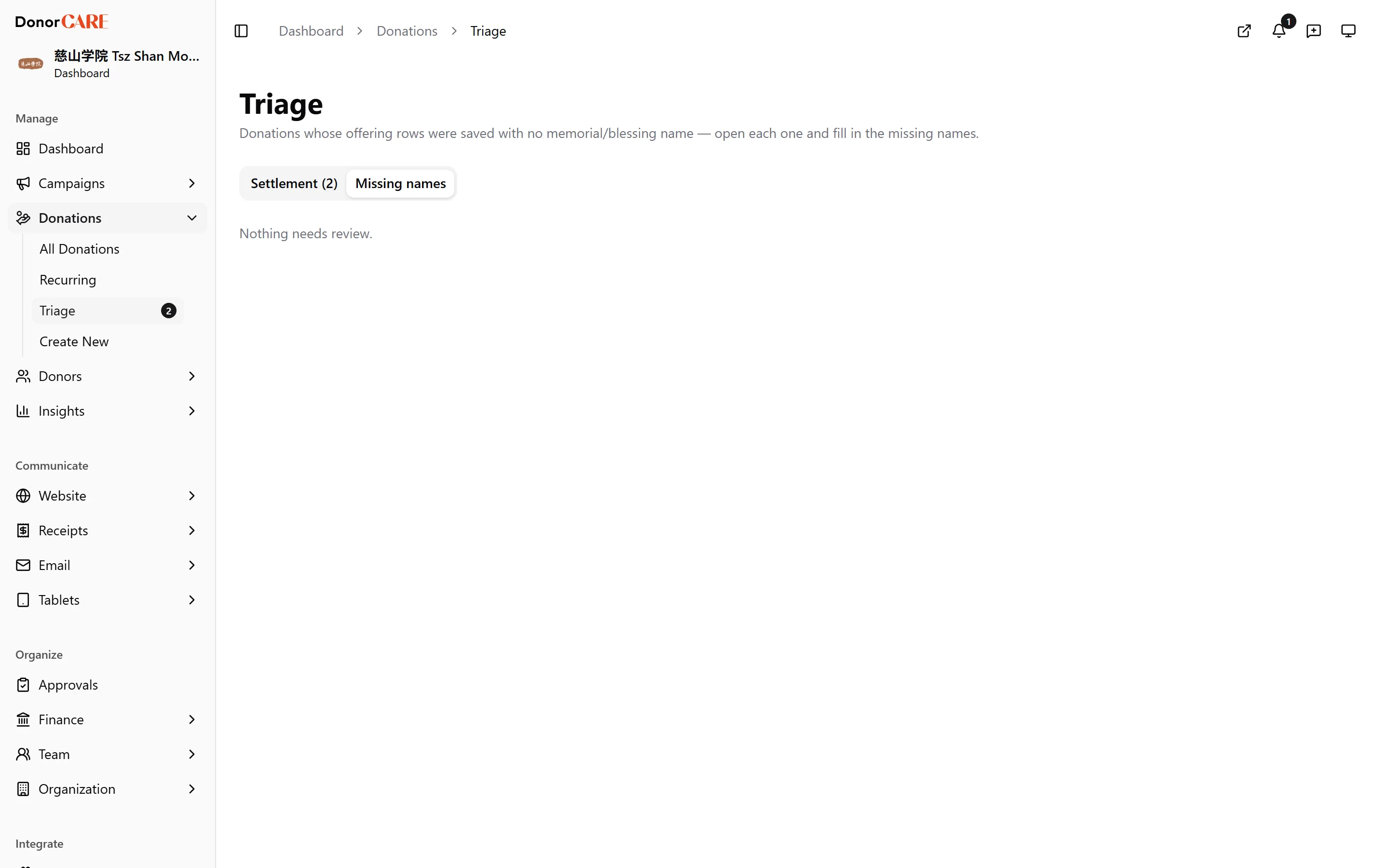
Open Donations, then select Triage, then select the Missing names tab.
-
Read the list. Each row shows the donor and amount, and how many of that donation’s offering rows have no name filled in yet.
-
Select Open donation. This takes you to the donation’s own page.
-
Fill in the missing memorial or blessing names on the offering rows that need them, then save.
The row drops off the Missing names list on its own once every row on that donation has a name — there’s no separate button to mark it resolved.
If something goes wrong
Section titled “If something goes wrong”| What you see | What it means | What to do |
|---|---|---|
| “Nothing needs review.” | The queue is empty | Nothing to do |
| The row is still there after you saved names | A different offering row on the same donation is still missing a name | Reopen the donation and check every offering row, not just the first one |
Related
Section titled “Related”Screenshots use sample data. Every screen on this page is captured against a demo organisation seeded with generated donors, amounts, receipt numbers and campaigns. Any resemblance to a real person or organisation is coincidental.