

Merge duplicate donors
When the same person ends up with two donor records — a typo’d phone number, a paper receipt keyed in twice — merging combines them into one without losing either side’s giving history.
Before you start
Section titled “Before you start”- DonorCARE flags possible duplicates for you: open the donor’s profile and look for the Possible Duplicates panel above the tabs, or work through the queue at Donors → Triage.
- A profile that belongs to a staff member or organisation owner (not a donor) can’t be merged this way — demote or remove their membership first.
-
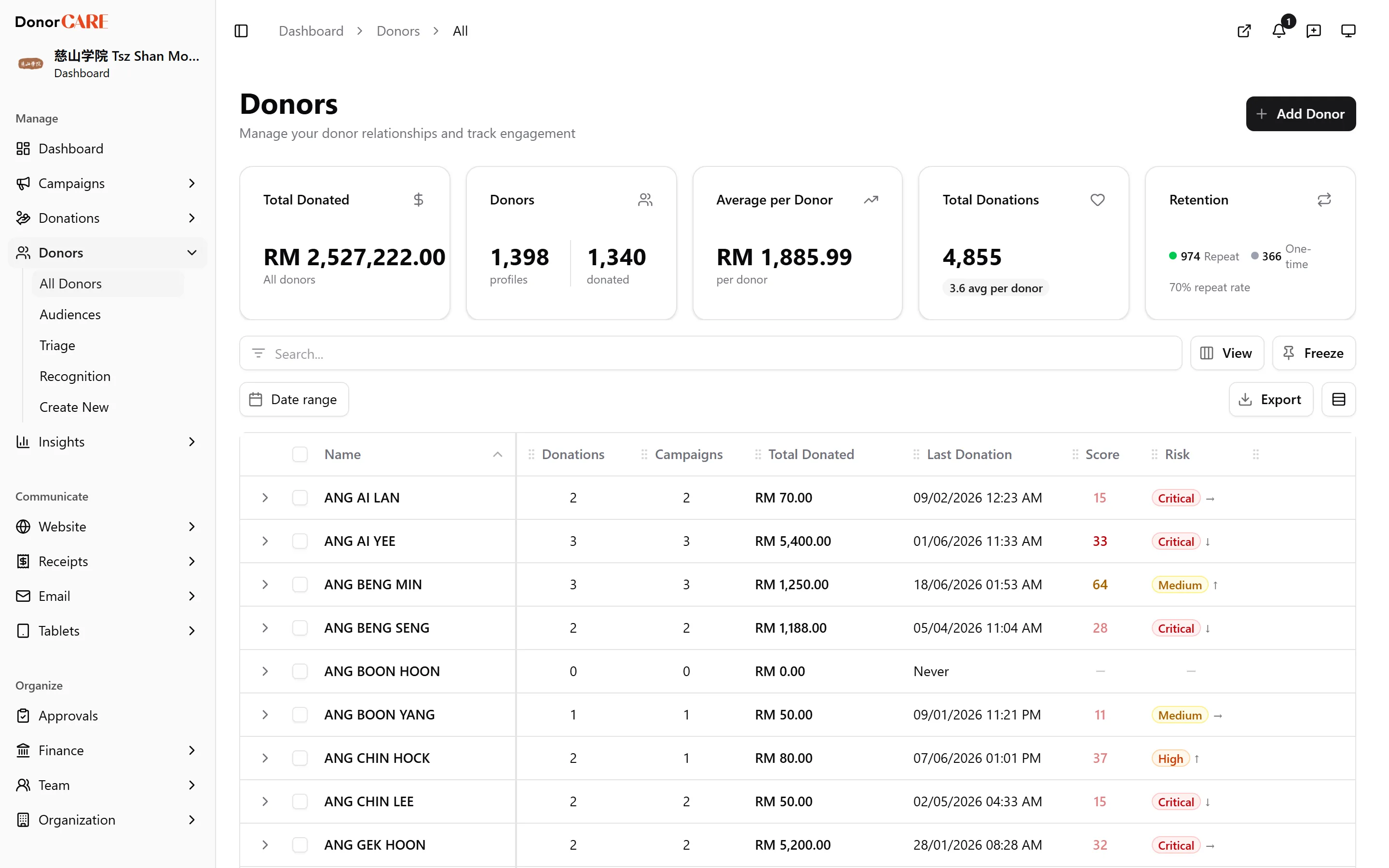
Open the donor you want to keep, and find the match. On their profile, the Possible Duplicates panel shows any other record sharing a phone, email, identity number, or name, with a badge showing which field matched. A name-only match needs a closer look before you merge — it’s the weakest signal.
-
Select Compare & Merge next to the candidate.
-
Choose which record survives. The survivor keeps its own name, email and phone by default — pick the other record as the survivor if it’s the more complete one. You can also click any individual Name, Email or Phone cell in the comparison table to pull that one value across regardless of which record you chose as survivor.
-
Review what will move, listed at the bottom of the dialog: donations, active recurring donations, tags, notes, and family members all transfer to the survivor, with duplicates skipped rather than doubled.
-
Select Merge into [name]. The merge happens immediately — there’s no further confirmation step.
What merging does
Section titled “What merging does”Do
- Expect every donation, active recurring donation, tag, note, and family member on the removed record to move onto the survivor, so the survivor’s giving history and totals become the full combined picture.
Don’t
- Expect to undo a merge. Once it runs, the two records are one — there is no unmerge. If the survivor already has a tax profile, the other record’s tax profile is discarded (any blank fields on the survivor are filled in from it first); if only the removed record had one, it moves across intact.
The removed record itself is deleted once nothing else in DonorCARE still points to it; if it’s still linked elsewhere (another organisation you don’t share, for instance) it’s simply detached from this organisation instead. Either way, it stops appearing in your donor list. Take a moment on the comparison screen before confirming — this is the one step in DonorCARE that can’t be walked back.
Related
Section titled “Related”Screenshots use sample data. Every screen on this page is captured against a demo organisation seeded with generated donors, amounts, receipt numbers and campaigns. Any resemblance to a real person or organisation is coincidental.