

Edit an automatic email
Change the wording DonorCARE uses in the automatic emails it sends on your behalf — receipts, recurring donation updates, and more.
Before you start
Section titled “Before you start”- Some automatic mail always sends and can’t be edited or turned off — login codes, account notifications, and donation receipts themselves. This page is about changing their wording, not whether they go out.
-
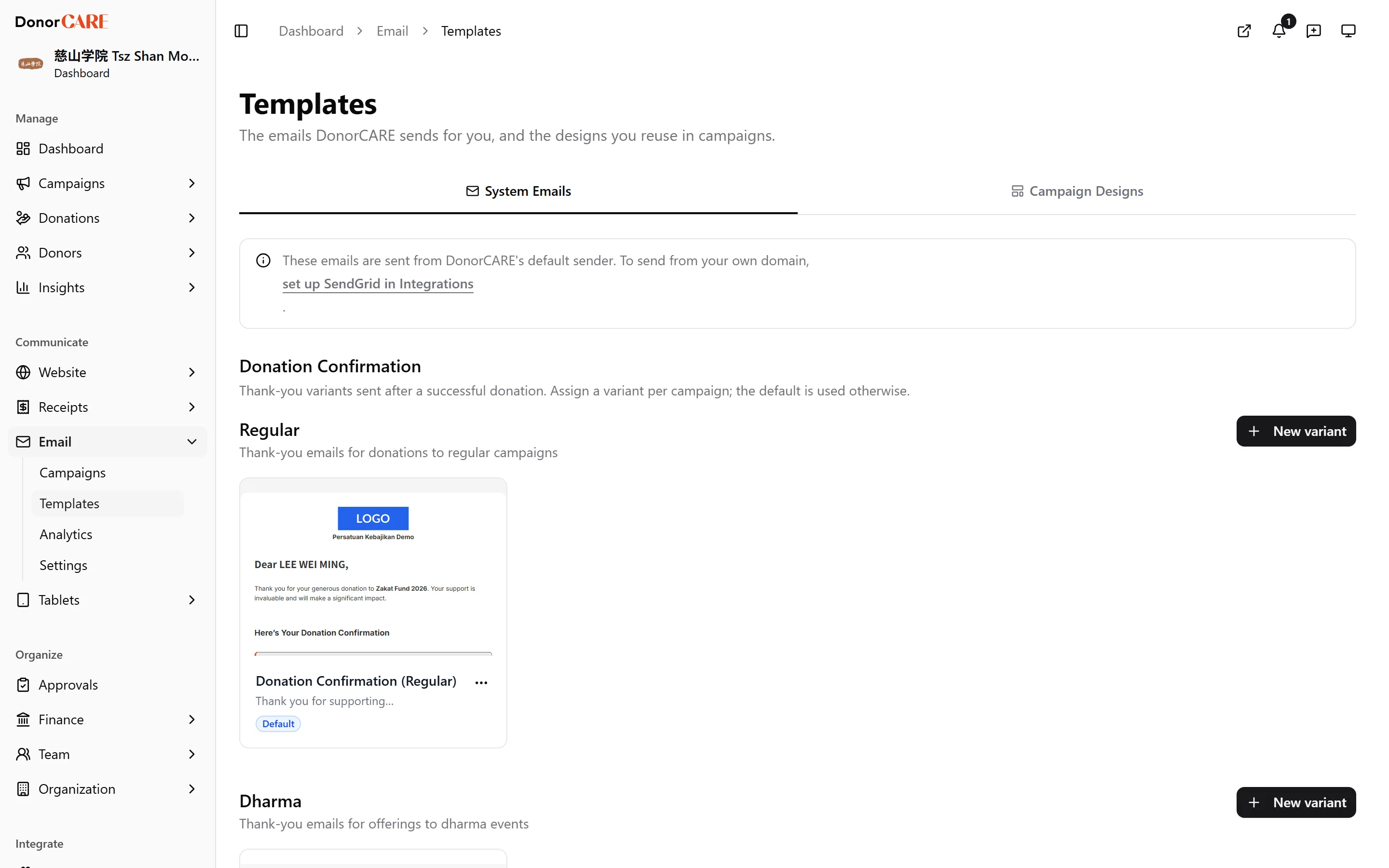
Open Email, then Templates. Stay on the System Emails tab — it’s the default.
-
Under Donor-Facing, choose the template you want to change — Donation Thank You, Recurring Success, Recurring Failed, Recurring Cancelled, Recurring Started, Card Expiring, Card Updated, Win-Back, Campaign Update, or Tax Summary.
-
To edit the receipt email itself, use Donation Confirmation above the list instead — it’s managed as a set of named variants (New, Edit, Duplicate, Rename, Set as default, Delete), so you can assign a different one per campaign. The one marked default is used otherwise.
-
Edit the Subject and body. Insert a token by typing it as
{{tokenName}}— the editor highlights each one green if DonorCARE recognises it, or red if it doesn’t. Use the token list next to the editor rather than guessing a name. -
Check the live Preview alongside the editor — it shows your changes filled in with sample data.
-
Select Save. Your wording is used the next time that email sends.
If something goes wrong
Section titled “If something goes wrong”| What you see | What it means | What to do |
|---|---|---|
| A link or line of text is missing from a sent email | A {{token}} was misspelled, or used somewhere it isn’t supported. DonorCARE removes anything it can’t fill in rather than sending it as literal text, so a broken link token silently becomes an empty link |
Compare every {{token}} in your template against the list next to the editor, and check the Preview renders it. A token shown in red confirms exactly which one to fix. |
Related
Section titled “Related”Screenshots use sample data. Every screen on this page is captured against a demo organisation seeded with generated donors, amounts, receipt numbers and campaigns. Any resemblance to a real person or organisation is coincidental.