

Close the month
Closing a month is your record that you reviewed it and reconciliation agreed — it doesn’t stop the books from moving, but any change to that month afterwards leaves a trace.
Before you start
Section titled “Before you start”- Work through Reconcile a bank statement for the month first, so the balance strip reads Fully reconciled before you sign off.
-
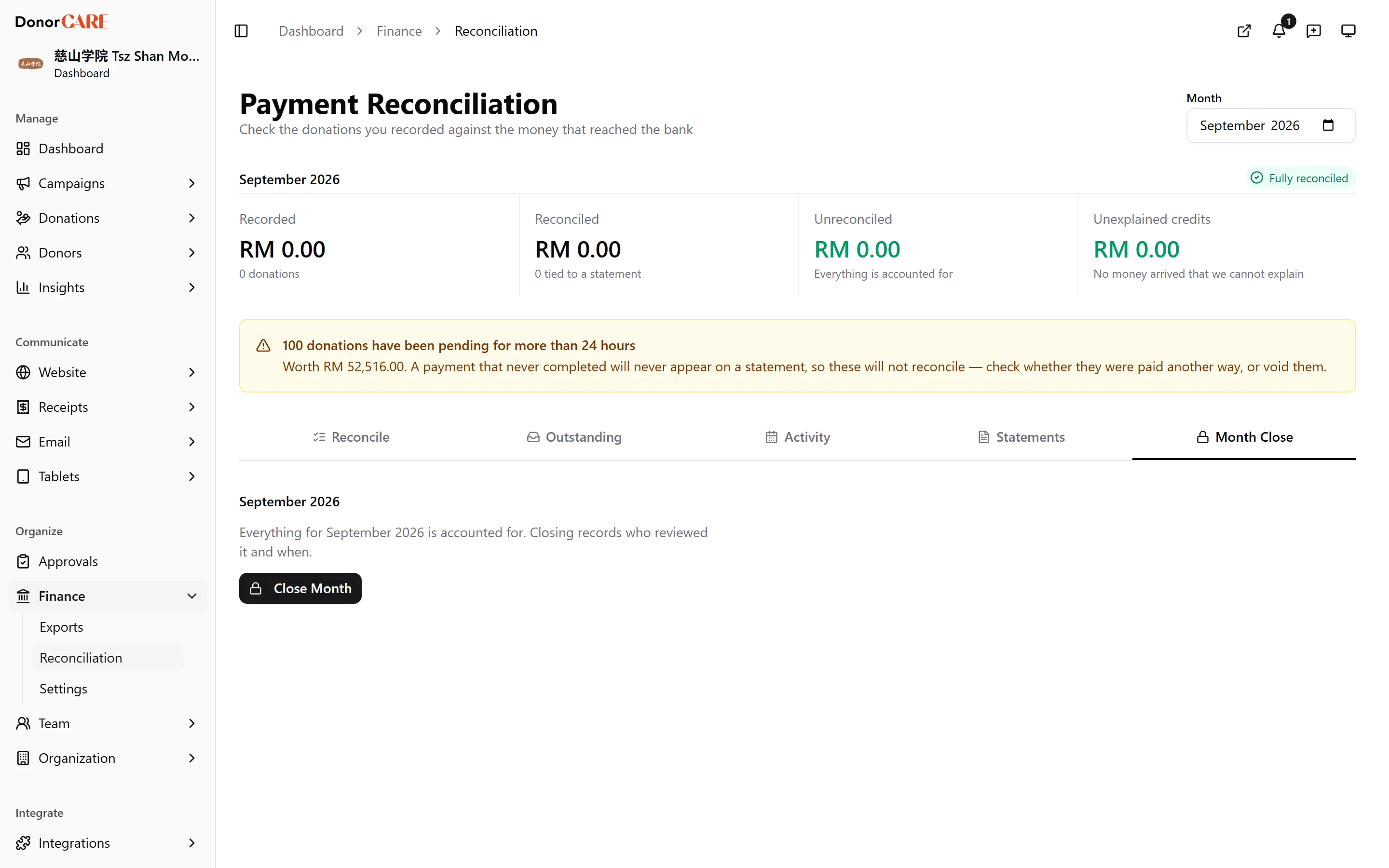
Open Finance → Reconciliation → Month Close.
-
Add a note, if you want one on record — what you checked, or anything unusual about the month.
-
Select Close Month, then confirm. The dialog tells you plainly what this does and doesn’t do: donations dated into this month can still be created and edited afterwards, but each one is now logged as a post-close adjustment.
-
Check the confirmation. The tab now reads “Closed by [your name] on [date].”
What closing does, and doesn’t do
Section titled “What closing does, and doesn’t do”Do
- Expect a closed month to keep accepting new or backdated donations — catching up a backlog is normal here, and closing never blocks it.
- Expect every one of those later writes to show up as a post-close adjustment in the audit log, so a change to a signed-off month is always traceable.
Don’t
- Expect a close to lock donations, prevent edits, or freeze any figure. It’s a review record, not a hard close.
An Owner can select Reopen on a closed month if it needs to be revisited — no other role can, and reopening is itself recorded in the audit log.
If something goes wrong
Section titled “If something goes wrong”| What you see | What it means | What to do |
|---|---|---|
| The month you expect to close isn’t reconciled | Some bank lines or donations are still unmatched | Finish reconciling the month before signing off |
| A figure for a closed month changed later | A donation was created or edited with a payment date inside that month | Check the audit log for a post-close adjustment on that date |
| Reopen isn’t available | Only an Owner can reopen a closed month | Ask an Owner to reopen it |
Related
Section titled “Related”Screenshots use sample data. Every screen on this page is captured against a demo organisation seeded with generated donors, amounts, receipt numbers and campaigns. Any resemblance to a real person or organisation is coincidental.