

Re-send or regenerate a receipt
An Owner can change which roles have this in Account Access. A Viewer can open Download Receipt and Open Receipt Link, but not Send Email.
Get a lost receipt back to a donor, or fix a mistake on one — from the donation record itself, not a separate receipts list.
Before you start
Section titled “Before you start”- There is no dedicated receipts list to work from. Open the specific donation instead: Donations → find the donor’s donation → open it.
- DonorCARE doesn’t have separate “resend” and “regenerate” actions. There’s one Send Email action, and the receipt content it sends is always current — if you’ve corrected the donation since it was last sent, the new copy reflects that correction automatically. There’s no way to hand a corrected donation a new receipt number without voiding it and recording the correction as a new donation.
-
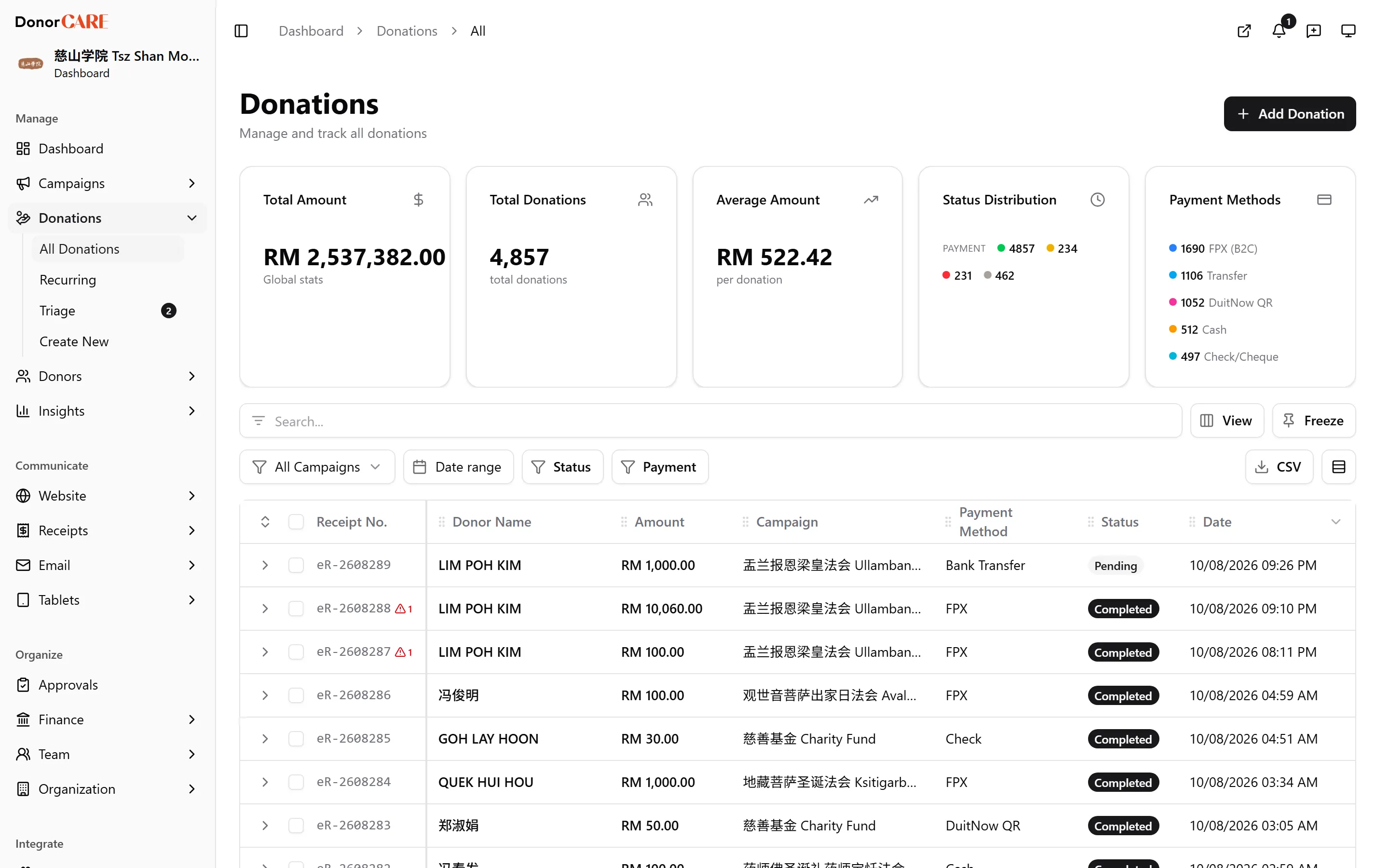
Open the donation. Find the completed donation in Donations and open it.
-
Fix anything that’s wrong first. If the receipt has an incorrect amount, donor name or other detail, correct the donation record before resending — the next PDF generated reflects the corrected data, under the same receipt number.
-
Send it again. Select Send Email. Confirm in the Send Confirmation Email dialog by selecting Send Email — DonorCARE re-sends the receipt PDF to the donor’s email address on file.
-
Or hand it to the donor yourself. Select Download Receipt to save the PDF, or Open Receipt Link to get the donor’s shareable link — useful if you need to send it by WhatsApp or a channel other than email.
If something goes wrong
Section titled “If something goes wrong”| What you see | What it means | What to do |
|---|---|---|
| Send Email is disabled | The donation has no donor email on file | Add an email address to the donor’s record, or use Download Receipt / Open Receipt Link instead |
| The donation is voided | A voided donation keeps its original receipt number — DonorCARE doesn’t reissue a new one for it | Record the correct gift as a new donation, which gets its own receipt and number |
Do
- Correct the donation’s details, then Send Email — the donor’s next copy is always up to date.
- Use Download Receipt or Open Receipt Link when the donor needs the file outside email.
Don’t
- Void a donation expecting a replacement receipt to appear automatically. Voiding only marks the donation voided — it doesn’t create a corrected one.
- Expect a new receipt number from resending. Send Email always uses the number already on the donation.
Related
Section titled “Related”Screenshots use sample data. Every screen on this page is captured against a demo organisation seeded with generated donors, amounts, receipt numbers and campaigns. Any resemblance to a real person or organisation is coincidental.