

See who changed a record
Every donation and every campaign carries its own timeline of who did what to it and when — open the record you’re asking about to see its history.
Before you start
Section titled “Before you start”There’s no single organisation-wide log to search across every record at once — the history lives on the donation or campaign it belongs to. Start by finding the specific donation or campaign you have a question about.
-
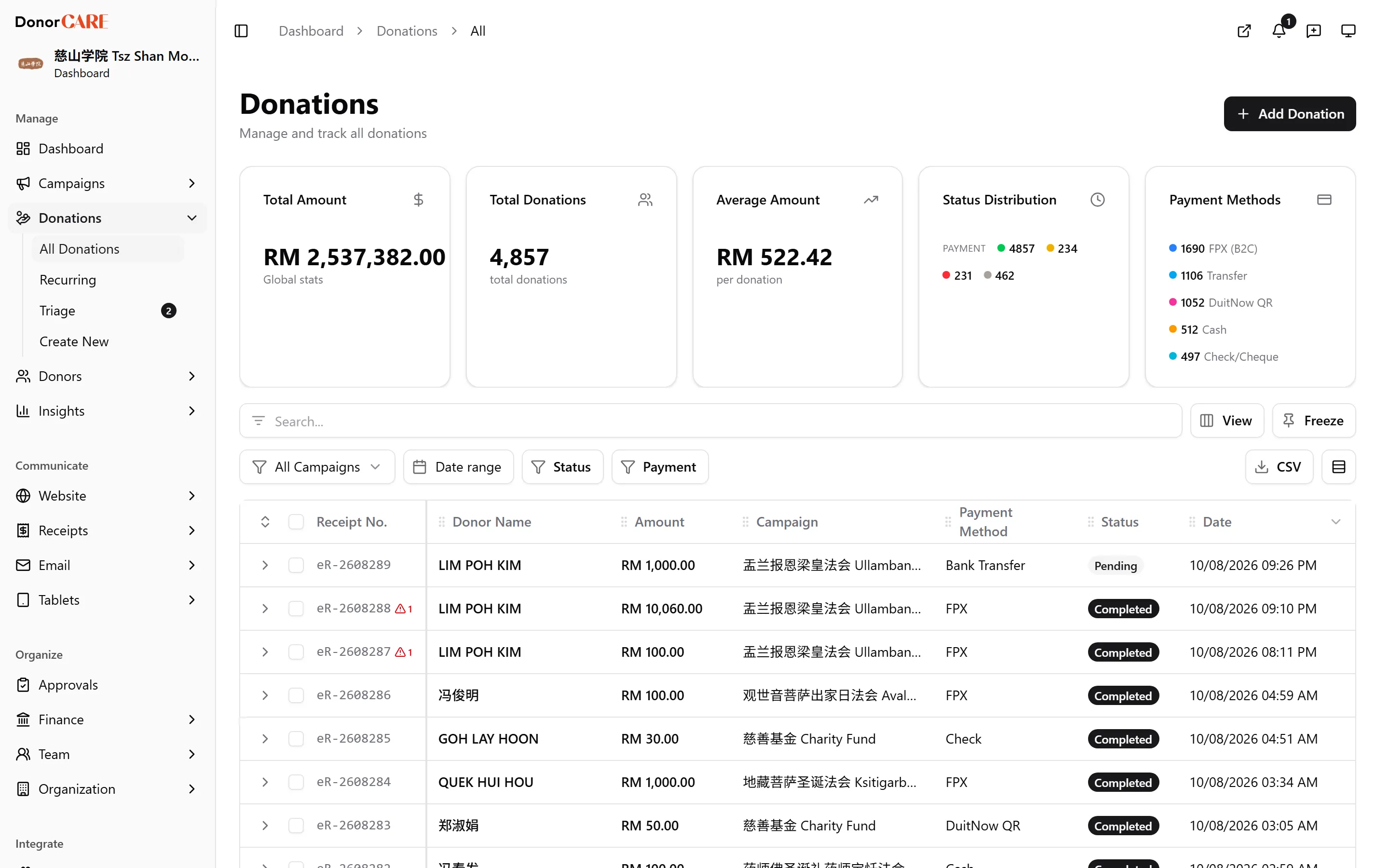
Open the donation or campaign you have a question about. On a donation, its Donation Timeline sits in the sidebar. On a campaign, its Campaign Timeline sits alongside Launch Readiness.
-
Read the entries newest first. Each one names what happened (created, updated, approved, voided, an e-invoice status change), who did it, and when — for example “Donation Updated — Jane updated amount” or “Void Request Approved — by Ahmad”.
-
Select Load all if you need the full history. The panel only loads the most recent entries by default; Load all fetches everything recorded for that record.
If something goes wrong
Section titled “If something goes wrong”| What you see | What it means | What to do |
|---|---|---|
| “No activity yet” | Nothing has been recorded against this record yet — it may have just been created. | This is expected for a brand-new donation or campaign; check back once something changes. |
| “Unable to load timeline” | The timeline failed to load, usually a temporary connection issue. | Refresh the page. If it keeps failing, try again later. |
Related
Section titled “Related”Screenshots use sample data. Every screen on this page is captured against a demo organisation seeded with generated donors, amounts, receipt numbers and campaigns. Any resemblance to a real person or organisation is coincidental.