

Read your consolidated e-invoices
The Consolidated E-Invoices screen shows every monthly batch BizCARE has bundled and filed with LHDN on your behalf — there is nothing to submit here yourself.
Before you start
Section titled “Before you start”- This screen only appears once e-invoicing (MyInvois) is switched on for your organisation, in Integrations settings. If it isn’t, the page tells you so instead of showing any data.
-
Open Donations, then select E-Invoices.
-
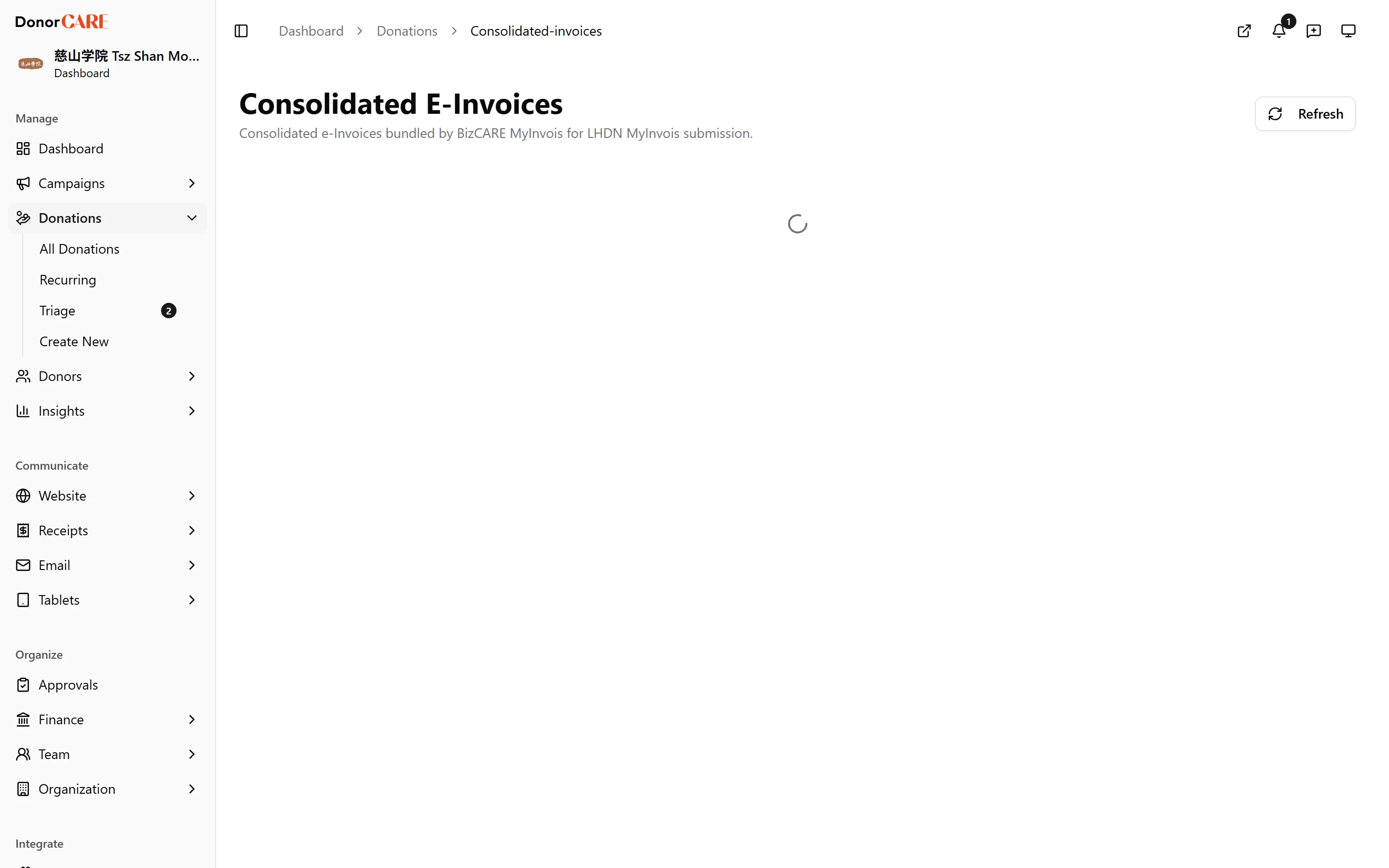
Read the list. Each row is one monthly batch: its code, status (Valid, Invalid, Pending or Submitted), the period it covers, its total amount, how many donations it bundles, and its LHDN submission ID.
-
Expand a batch to see what’s in it. This lists every donation it bundles, with the buyer name, amount and date for each.
-
Select View on MyInvois to see the filing on LHDN’s own portal, if you need the official copy.
Batches are built automatically on the 4th of each month from the qualifying donations that weren’t submitted individually — there is no button here to create, edit or resubmit one.
If something goes wrong
Section titled “If something goes wrong”| What you see | What it means | What to do |
|---|---|---|
| “MyInvois is not enabled for this organization. Enable it in Integrations settings to view consolidated invoices.” | E-invoicing isn’t switched on for your organisation | Enable MyInvois in Integrations settings, if your plan includes it |
| A batch shows status Invalid | LHDN rejected part of the submission | See Fix a failed submission |
Related
Section titled “Related”Screenshots use sample data. Every screen on this page is captured against a demo organisation seeded with generated donors, amounts, receipt numbers and campaigns. Any resemblance to a real person or organisation is coincidental.