

Attach a form to a campaign
Link one of your FormCARE forms to a campaign so donors fill it in as part of giving — a volunteer sign-up, a dedication message, or anything else a donation alone doesn’t capture.
Before you start
Section titled “Before you start”- Connect FormCARE first. The form-linking card only appears on a campaign once your organisation has a FormCARE connection.
- The form must already be published in FormCARE — a draft form won’t appear in the picker.
-
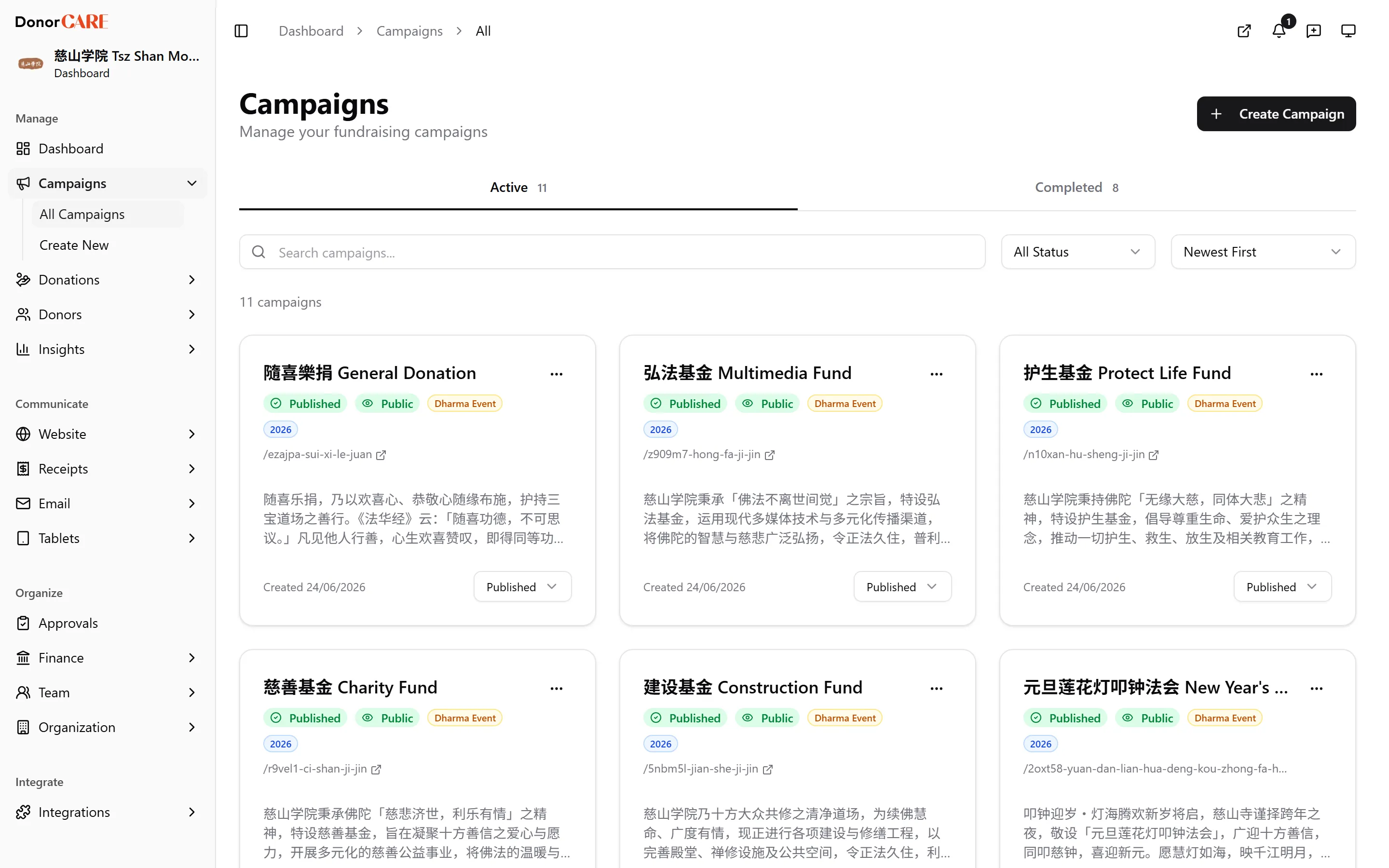
Open the campaign’s settings and find the FormCARE Form card.
-
Select a form from the dropdown. Only your published FormCARE forms appear.
-
Choose when donors see it. Before payment embeds the form as a step inside checkout, so a donor can’t complete payment without it. After payment offers it on the donation success page instead, with a reminder email as a backup.
-
Set a reminder delay, if you chose After payment — how many hours to wait before emailing a donor who paid but hasn’t filled in the form yet.
-
Select Save. The card shows the link is active immediately.
-
Check a donation’s form status from the donation record. A linked donation shows Form pending or Form received — the full response itself is read in FormCARE, not in DonorCARE.
If something goes wrong
Section titled “If something goes wrong”| What you see | What it means | What to do |
|---|---|---|
| The FormCARE Form card doesn’t appear on a campaign | Your organisation hasn’t connected FormCARE yet | Go to Connect FormCARE first |
| The form you want isn’t in the dropdown | The form is still a draft in FormCARE | Publish it in FormCARE, then reopen the picker |
| A donor says they never saw the form | It may be set to After payment and they haven’t reached the success page or opened the reminder email yet | Check the mode on the FormCARE Form card, and confirm the donation actually completed |
Related
Section titled “Related”Screenshots use sample data. Every screen on this page is captured against a demo organisation seeded with generated donors, amounts, receipt numbers and campaigns. Any resemblance to a real person or organisation is coincidental.