

Answer enquiries from your site
Every message a visitor sends through your site’s contact form lands here, so you can track it from first read to resolved.
-
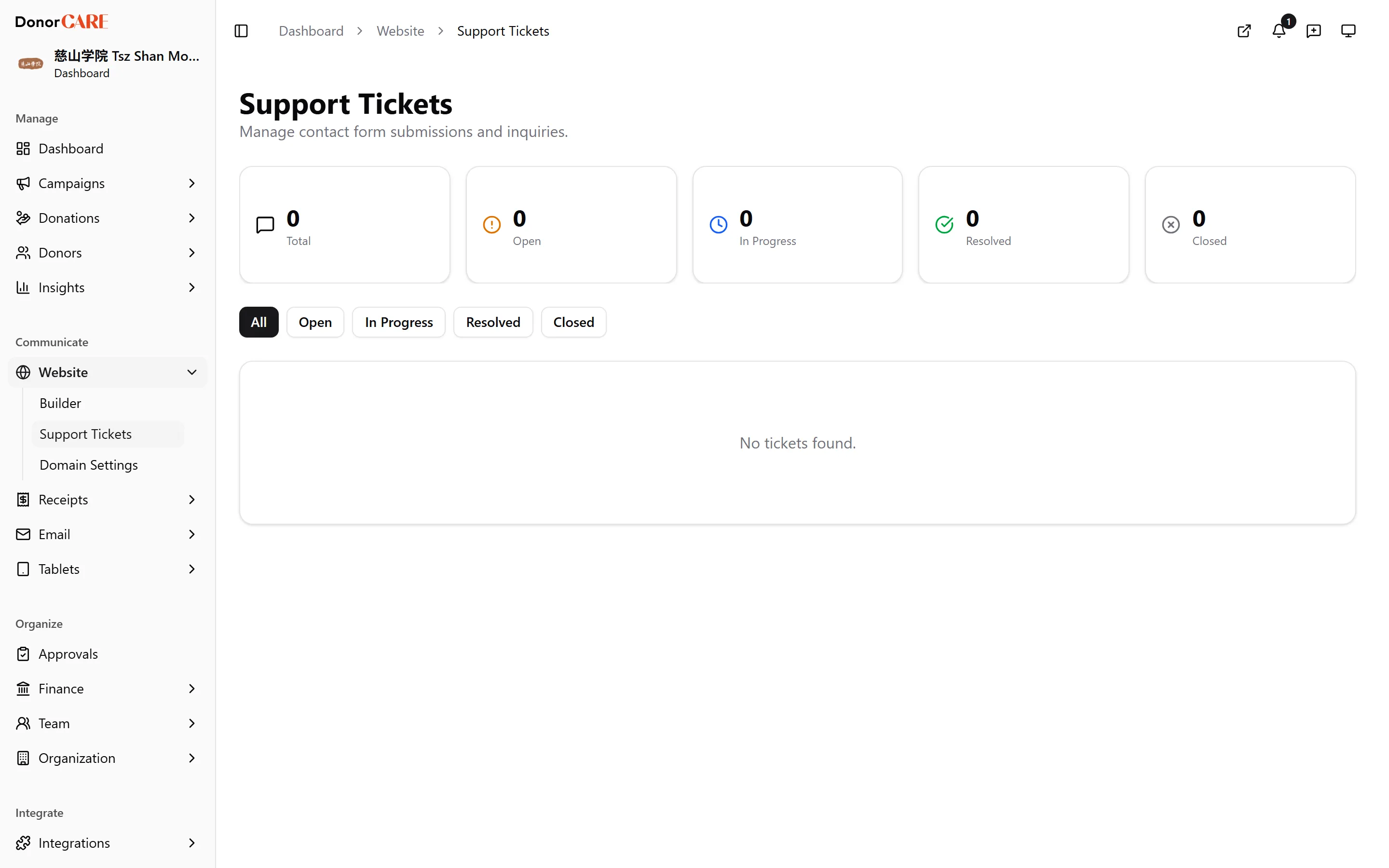
Open Website, then Support Tickets.
-
Select a filter — All, Open, In Progress, Resolved or Closed — to narrow the list. Each ticket is filed under a category — General, Donation, Receipt, Ceremony, Refund, Technical or Other — so you can see at a glance what a visitor is writing about.
-
Select a ticket to see the visitor’s name, email, category and message in full. Some tickets carry an AI-suggested priority or a suggested reply as a starting point — check it before you use any of it, since nothing is sent automatically.
-
Move it through your workflow as you deal with it: select Start to mark it In Progress, Resolve once you’ve handled it, then Close.
-
Add Admin Notes if you want to leave context for your team. These stay internal — the visitor never sees them.
-
Reply to the visitor from your own email, using the address shown on the ticket. DonorCARE doesn’t send a reply on your behalf — it tracks the enquiry, not the conversation.
Related
Section titled “Related”Screenshots use sample data. Every screen on this page is captured against a demo organisation seeded with generated donors, amounts, receipt numbers and campaigns. Any resemblance to a real person or organisation is coincidental.