

Approve a copilot action
When the AI Copilot drafts a change — tagging a donor, assigning a receipt number, adjusting a campaign goal, and a handful of others — it waits here for you to approve, reject, or leave it pending.
Before you start
Section titled “Before you start”- Ask a question in the Copilot that leads to a suggested change — not every question produces one.
-
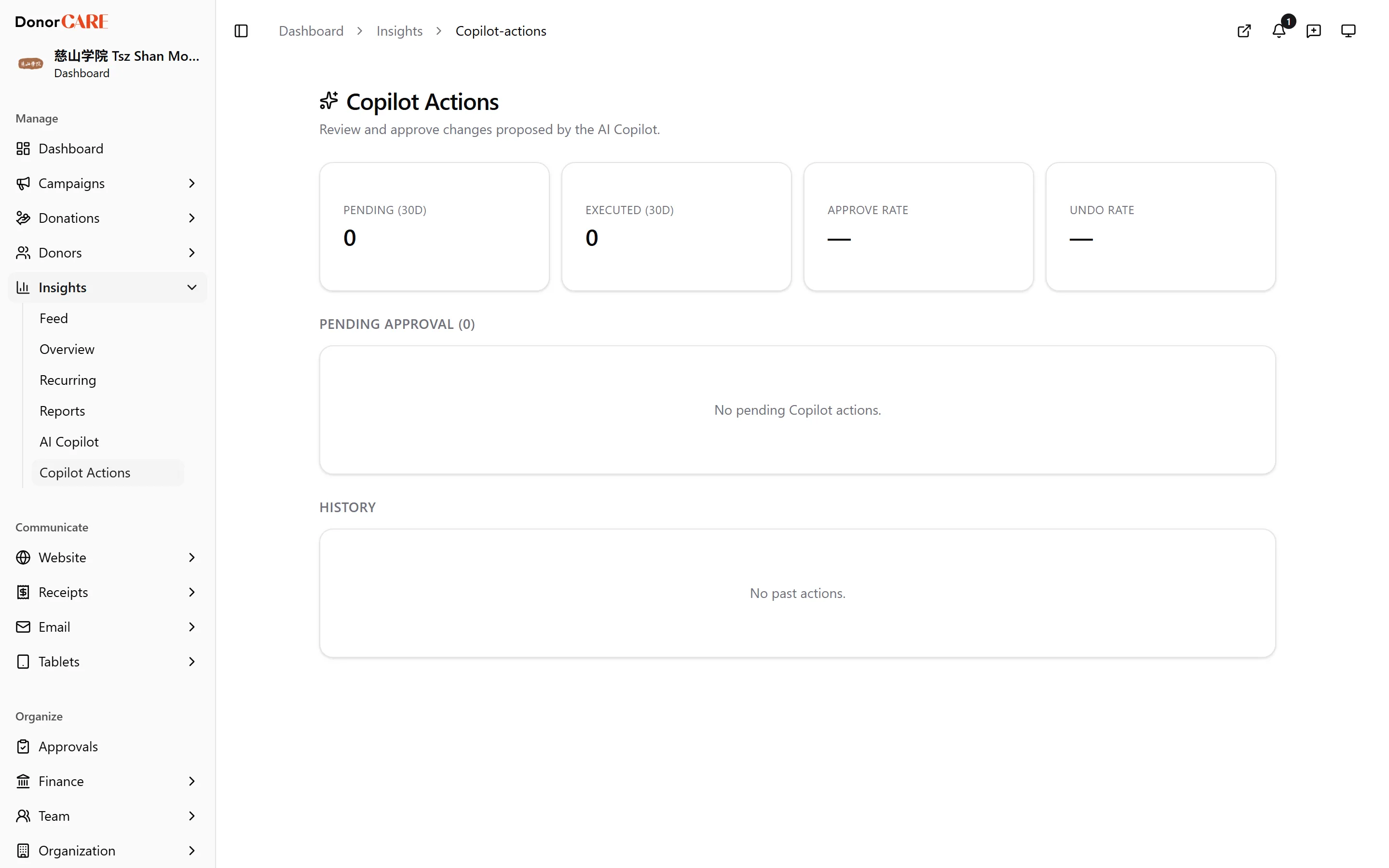
Open Insights → Copilot Actions. Anything waiting on you is listed under Pending approval.
-
Review the drafted change. Each card names the action (for example “tag donor”) and when it was proposed, with the exact details of what would change shown underneath.
-
Select Approve & execute, or Reject. Approving carries out the change immediately — there’s no separate confirmation step after this. Rejecting closes the proposal with no effect on your data.
-
Check History for anything already decided, including the outcome of past approvals and rejections.
-
Undo, if you change your mind. Most executed actions carry an Undo button with a visible expiry, for up to 24 hours after they ran.
What to expect from a void
Section titled “What to expect from a void”Do
- Expect a drafted donation void to need a second approval beyond this page. Approving it here only files the void request — a finance member or an Owner still has to approve the void itself before anything is reversed.
Don’t
- Expect Undo to be available for everything. A drafted compliance flag has no undo — approving it simply marks the item acknowledged.
If something goes wrong
Section titled “If something goes wrong”| What you see | What it means | What to do |
|---|---|---|
| Approve & execute fails | Your organisation’s hourly limit on executed actions has been reached | Wait, or approve the most important ones first |
| The action you approved isn’t reflected yet | It may have failed during execution | Check its entry under History for the result |
| Undo isn’t available | The 24-hour window has passed, or this action type has no undo | Make the correction directly on the affected record instead |
Related
Section titled “Related”Screenshots use sample data. Every screen on this page is captured against a demo organisation seeded with generated donors, amounts, receipt numbers and campaigns. Any resemblance to a real person or organisation is coincidental.